@JGStew
Bigfix Webui Web Reports Renderer
Web Reports Renderer is a BigFix WebUI extension that runs your existing Web Reports custom reports inside WebUI, with live data. Pick a report from a drop-down of every custom report stored in your BigFix sites, and it renders the way it does in Web Reports: <?Relevance ?> instructions are evaluated, the report’s own JavaScript relevance calls (EvaluateRelevance, Relevance, …) are answered through WebUI, and its scripts and stylesheets load from the same site. No rewriting reports, and no switching to Web Reports to see them.
Before you start
-
Extensions Management must be enabled in WebUI: set
_WebUIAppEnv_ENABLE_EXTENSIONS_MANAGEMENT=1and restart WebUI. - The WebUI-JGStew site must be added on the root server as a repository site from https://github.com/jgstew/bigfix-site-webui-jgstew. That deserves its own walkthrough, so it isn’t covered here.
- Listing and loading reports from sites needs the operator permission Can use REST API.
Install it from the site
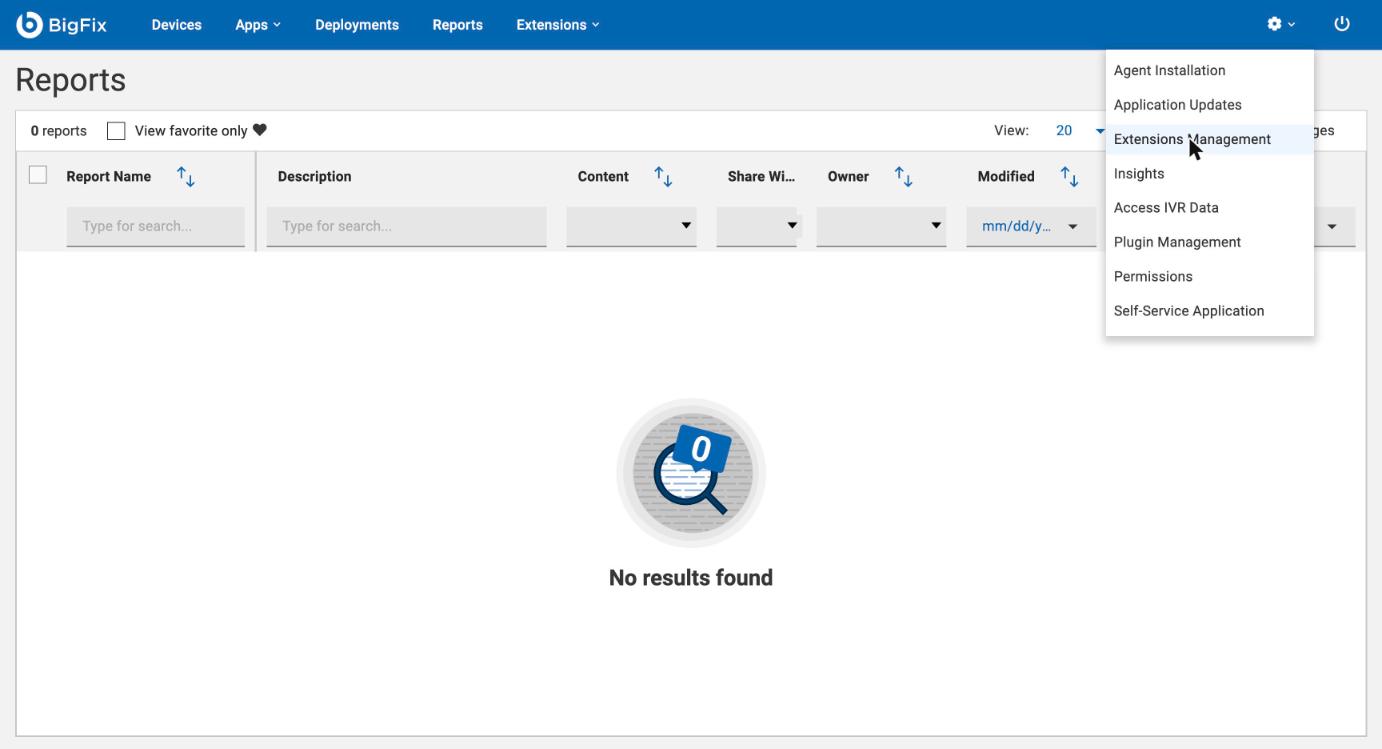
In WebUI, open the gear menu at the top right and choose Extensions Management:
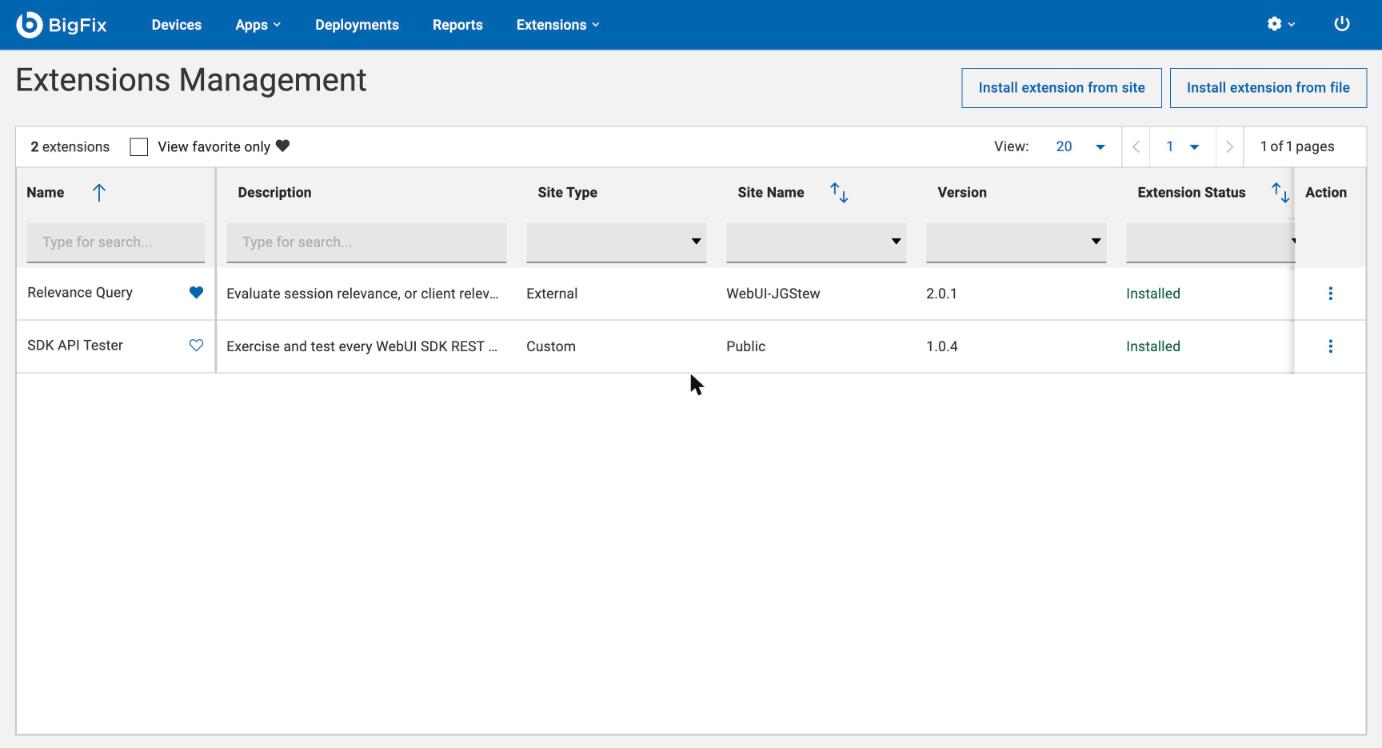
Click Install extension from site:
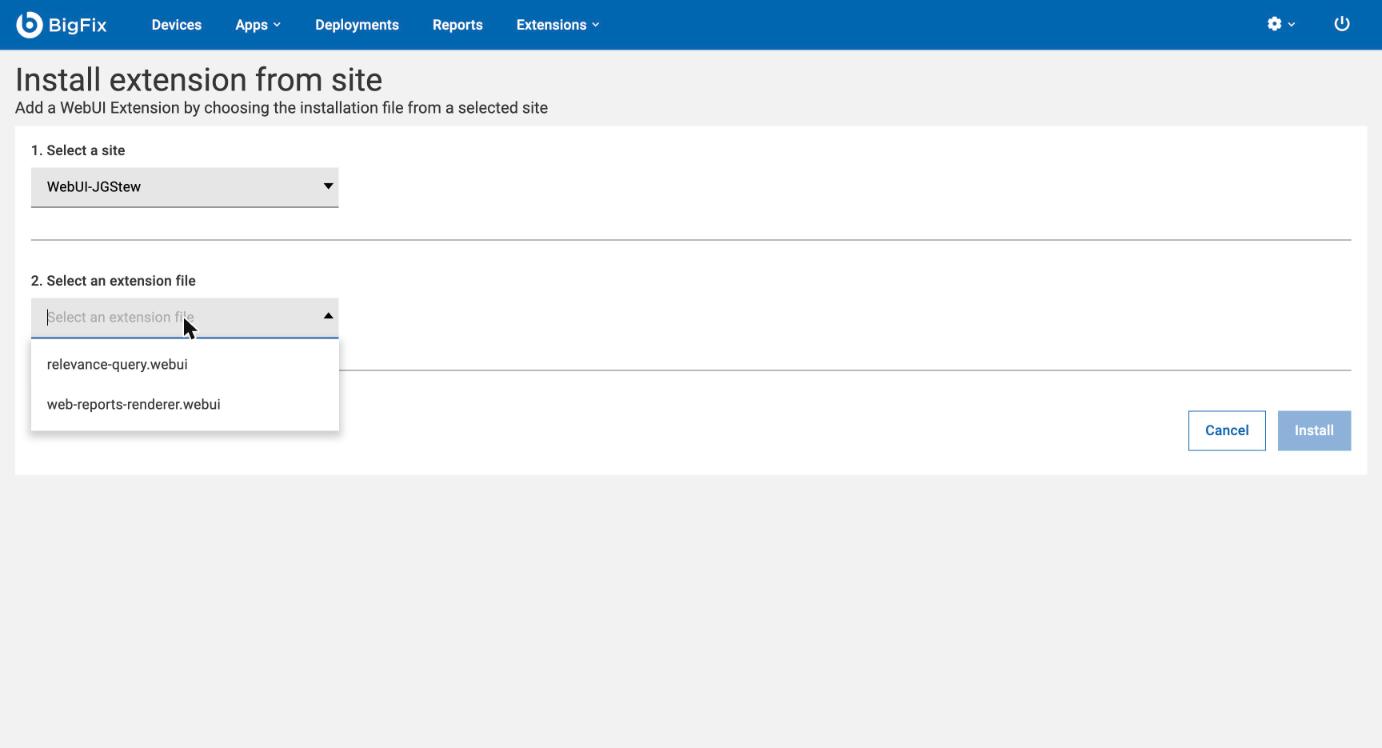
Pick the site WebUI-JGStew, then the file web-reports-renderer.webui:
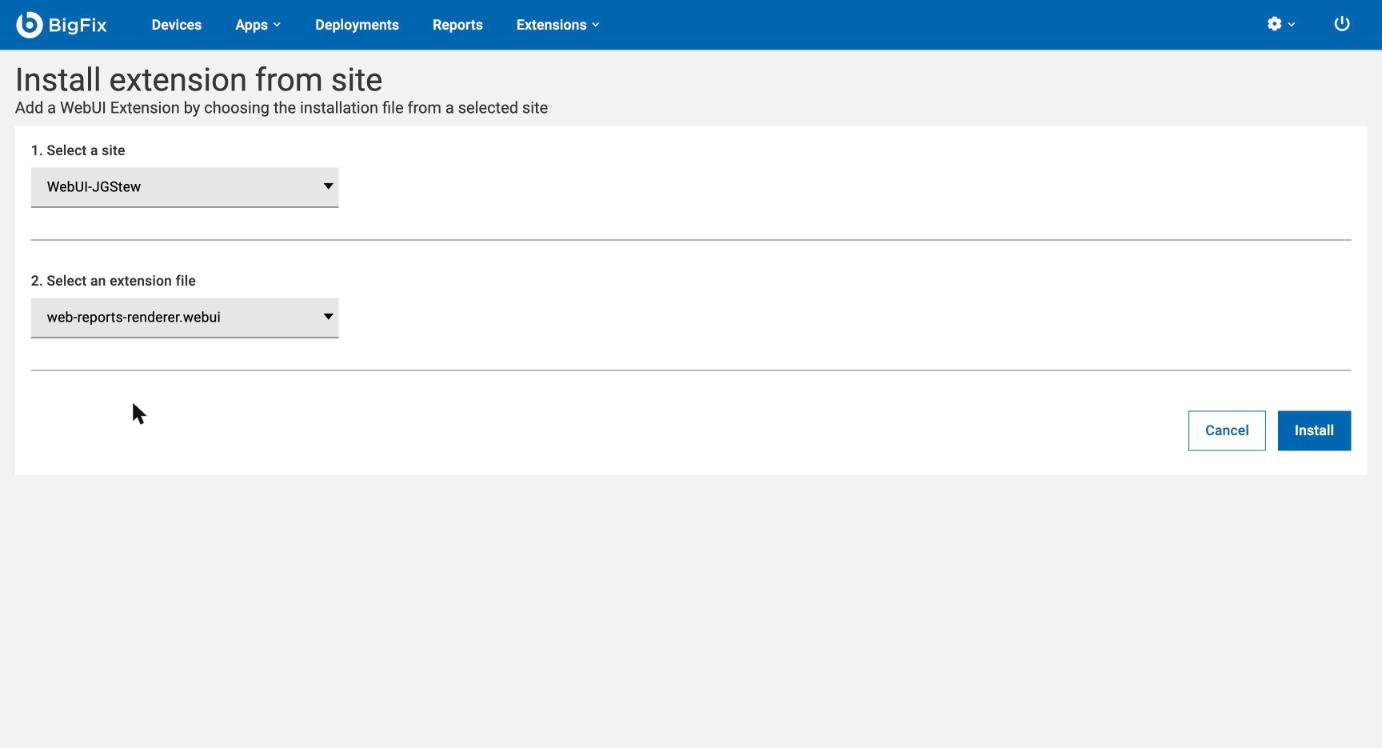
Click Install:
It shows up as installed from the external site WebUI-JGStew:
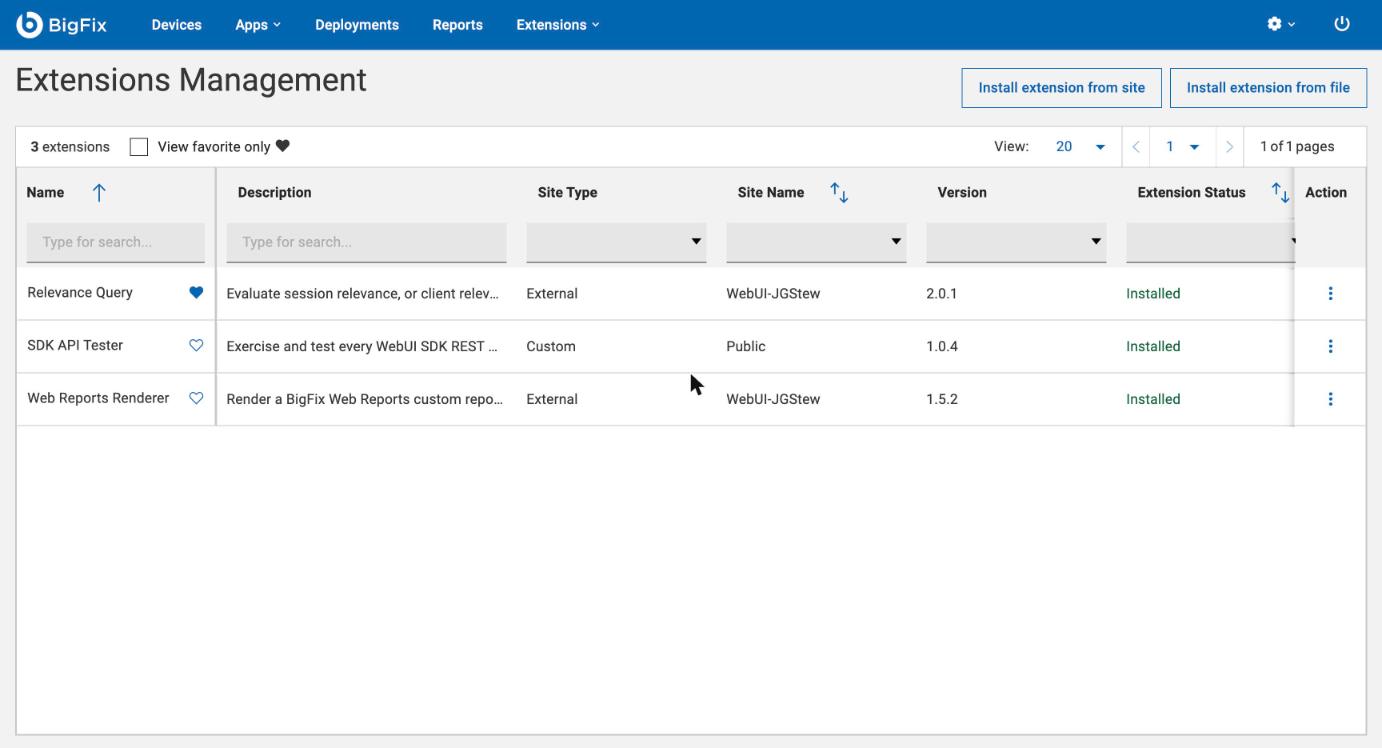
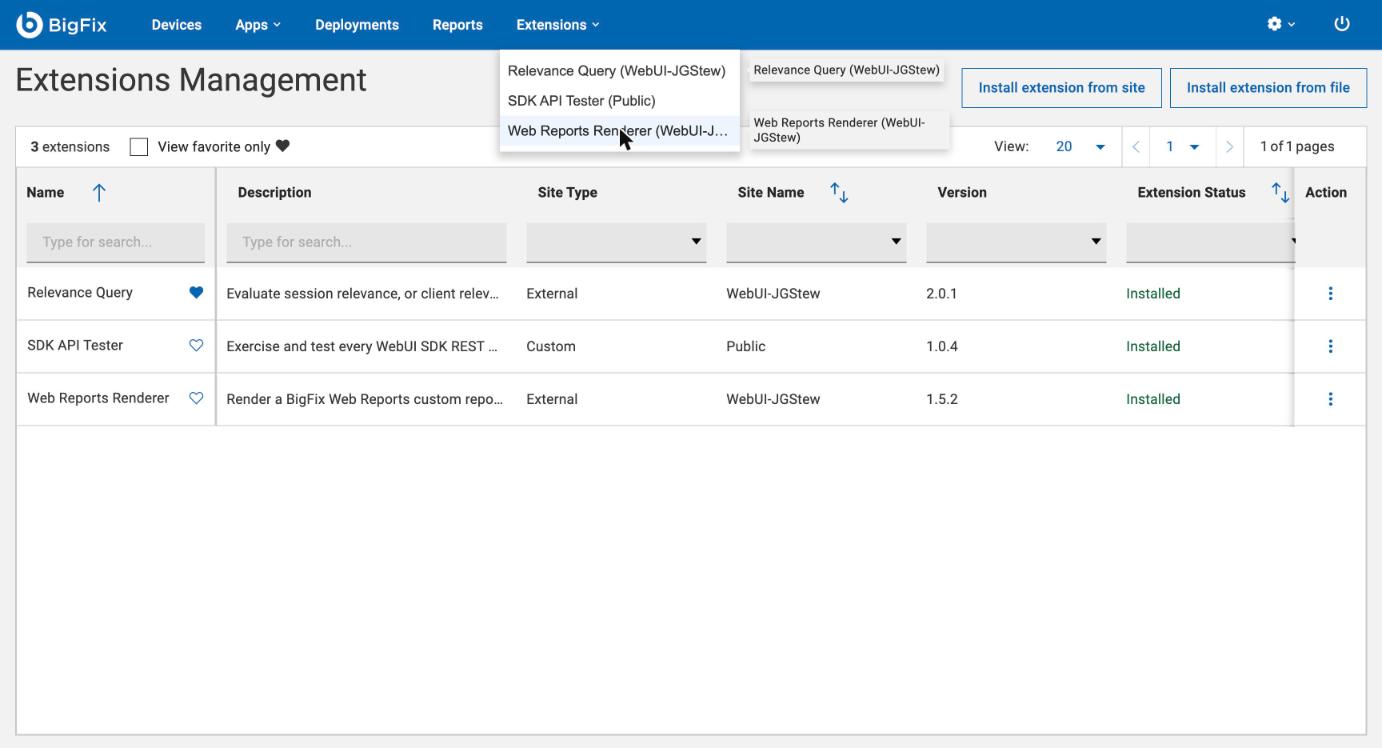
Launch it from the Extensions menu. It opens in a new tab:
Upgrading
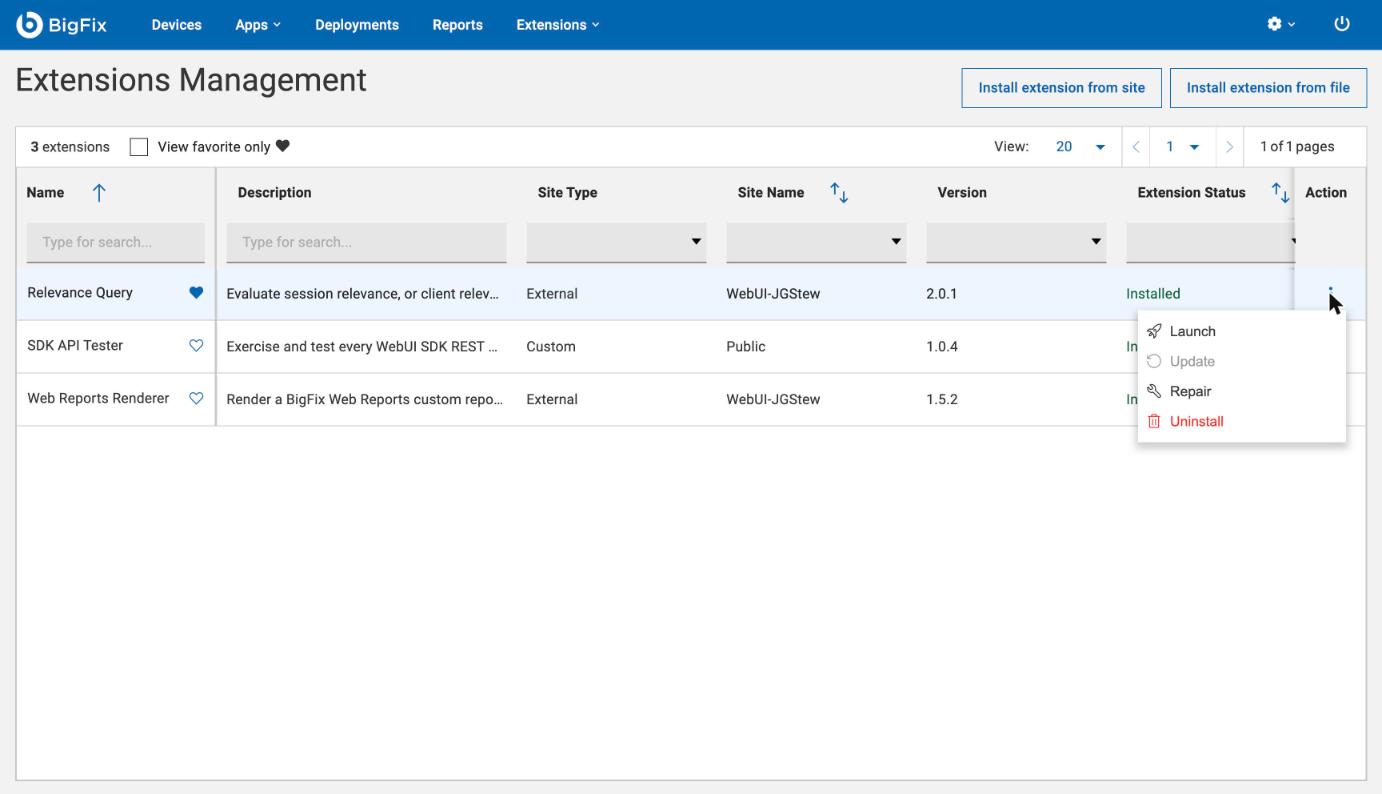
When the site has a newer version, WebUI doesn’t say so: the row still shows the old version as Installed, and Update is greyed out. Use Repair in the row’s Action menu. Its confirmation only says it will reinstall the extension, but it installs the version that is in the site now:
Use it
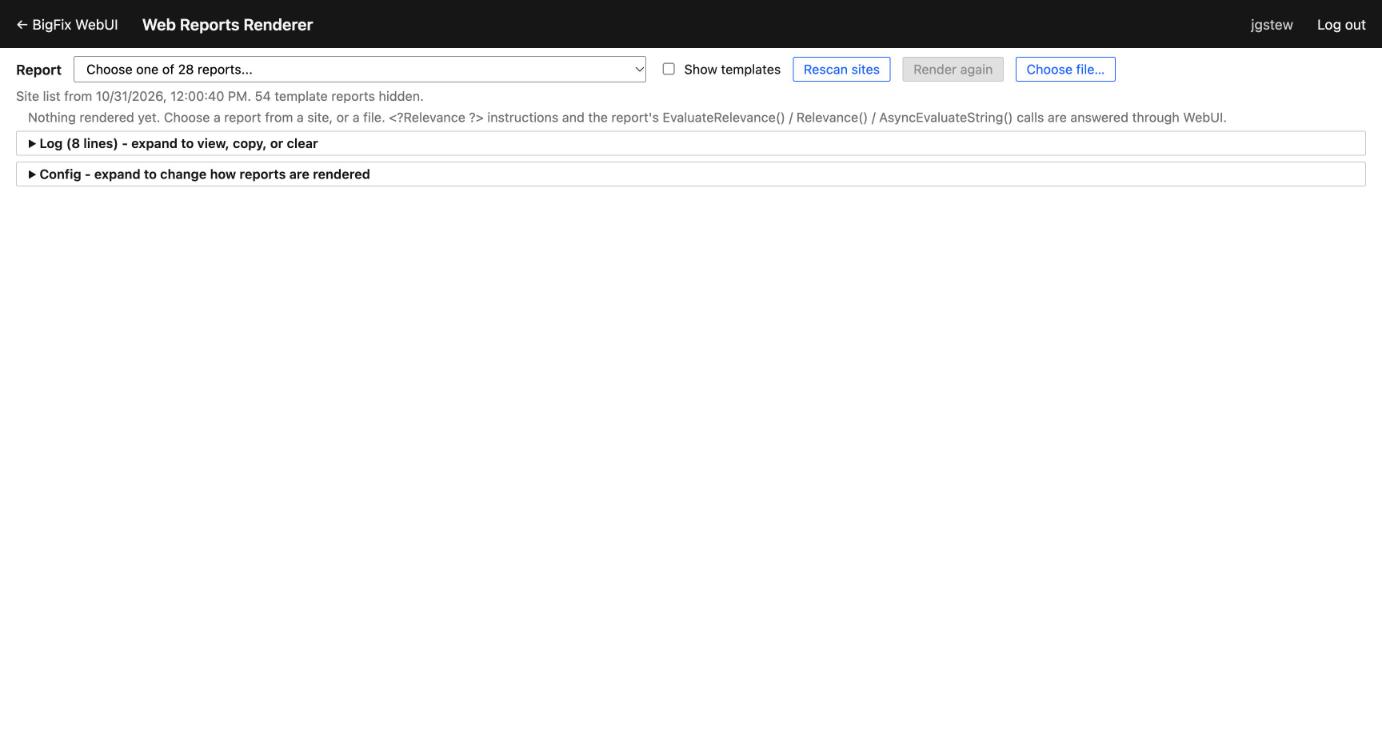
The Report drop-down lists the custom reports from all of your sites, grouped by site. The list is cached in a shared dashboard variable, so it shows up right away and only sites that changed get checked again. Rescan sites rebuilds it, and Choose file… renders a report file instead (or drop one on the page):
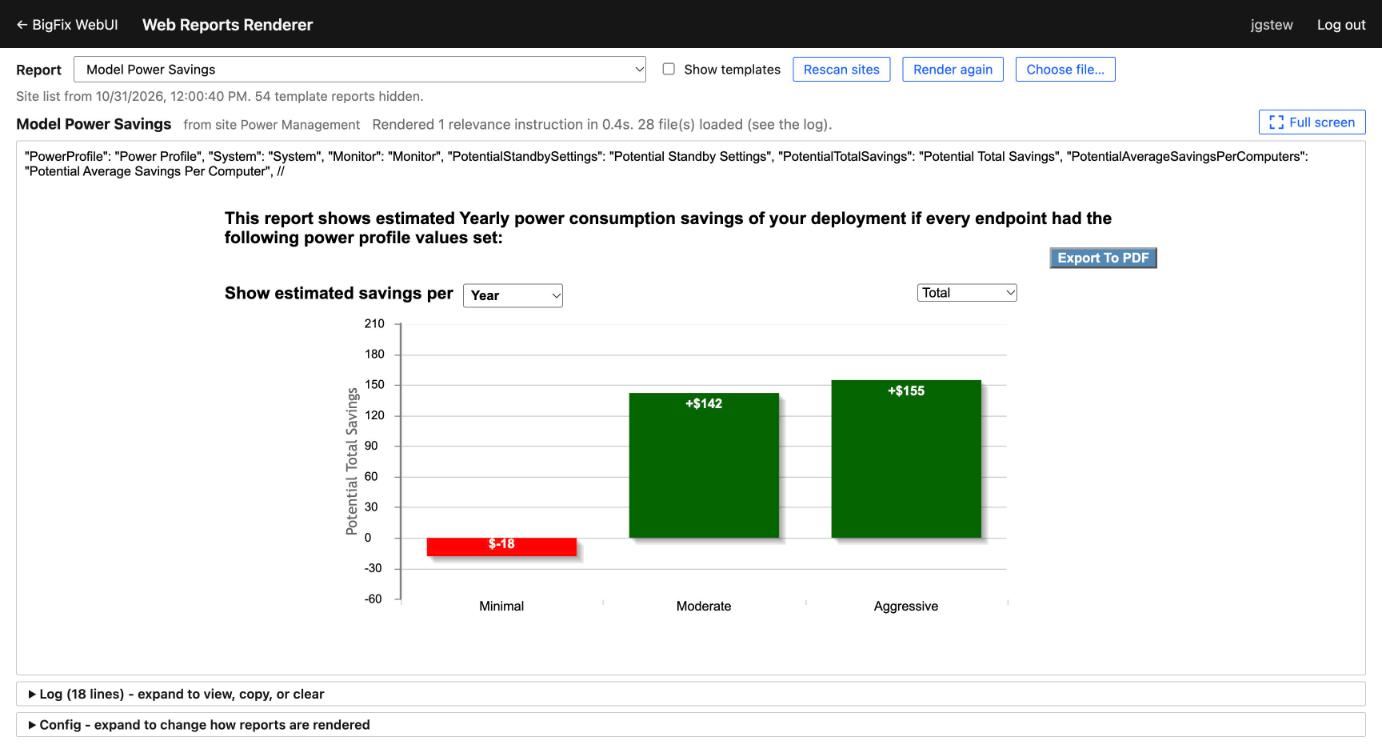
Choose a report and it renders below, using most of the window:
Full screen gives the report the whole screen; Esc or Exit full screen goes back:
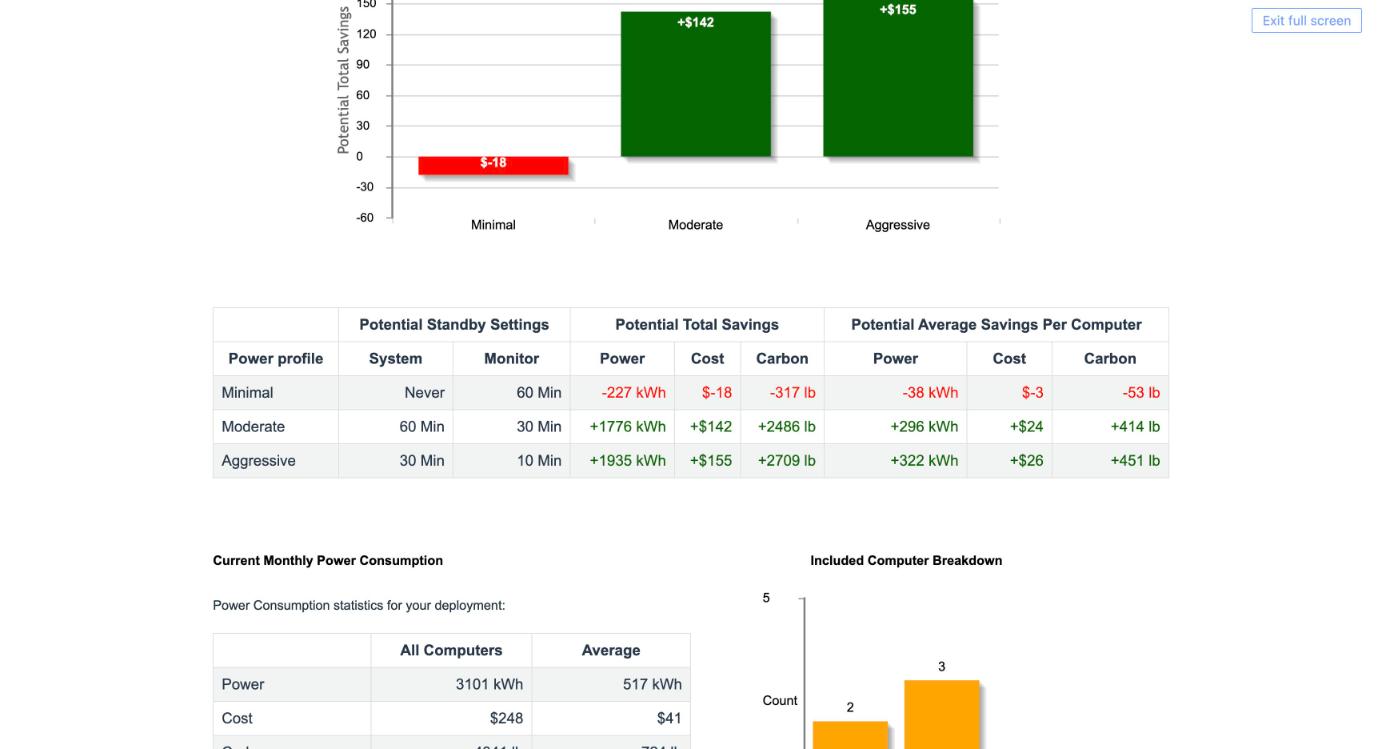
The collapsed Log at the bottom records every relevance evaluation, file and error, and Copy report puts it all on the clipboard for troubleshooting.
Good to know
- Images and fonts from sites don’t load, because WebUI’s REST passthrough corrupts binary files. Scripts, stylesheets and SVG do, and common library images come from copies bundled in the extension.
- Template reports (saved Web Reports pages) can’t be rendered, so they’re hidden unless Show templates is checked.